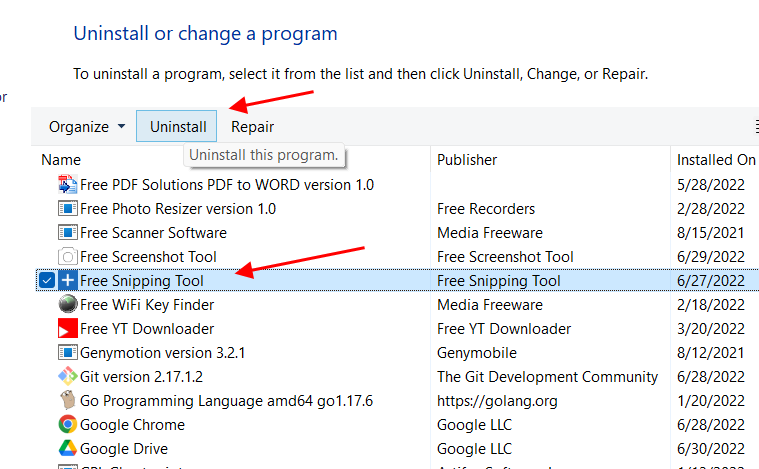
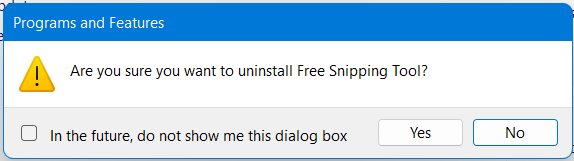
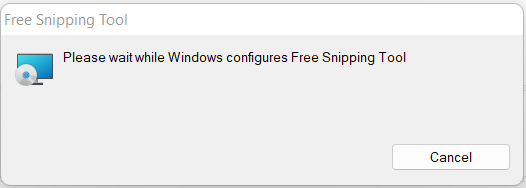
There are several ways to remove Free Snipping Tool from your computer, especially if you’re running the latest version of Windows 11.
Uninstall Free Snipping Tool Using the Control Panel
- Supported operating systems: Windows 11, Windows 10, Windows 8, and Windows 7.
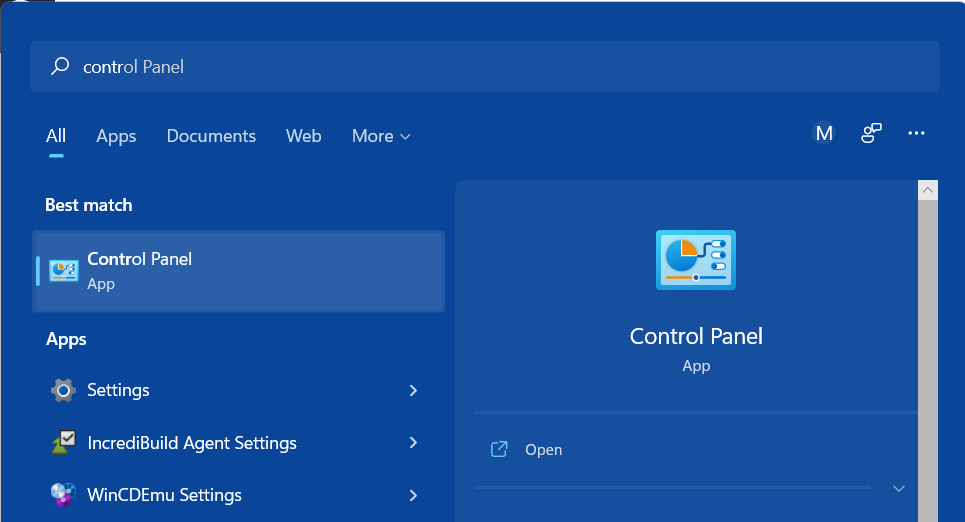
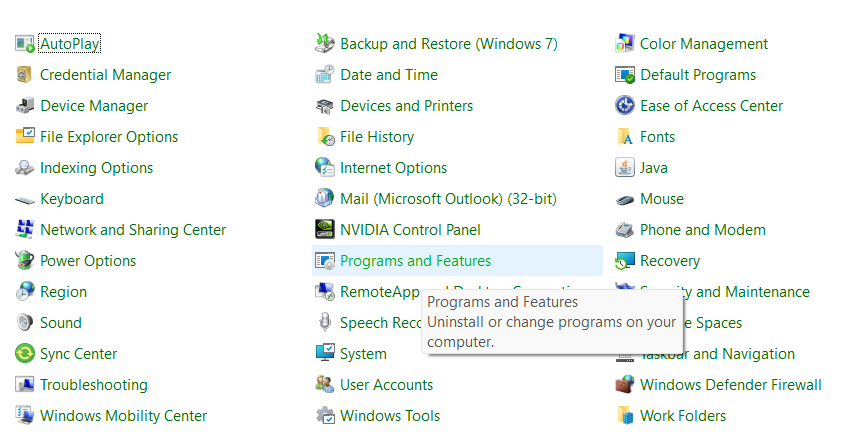
Open the Start menu by clicking the Windows icon on the taskbar. Type Control Panel into the Windows search bar and select it from the search results.