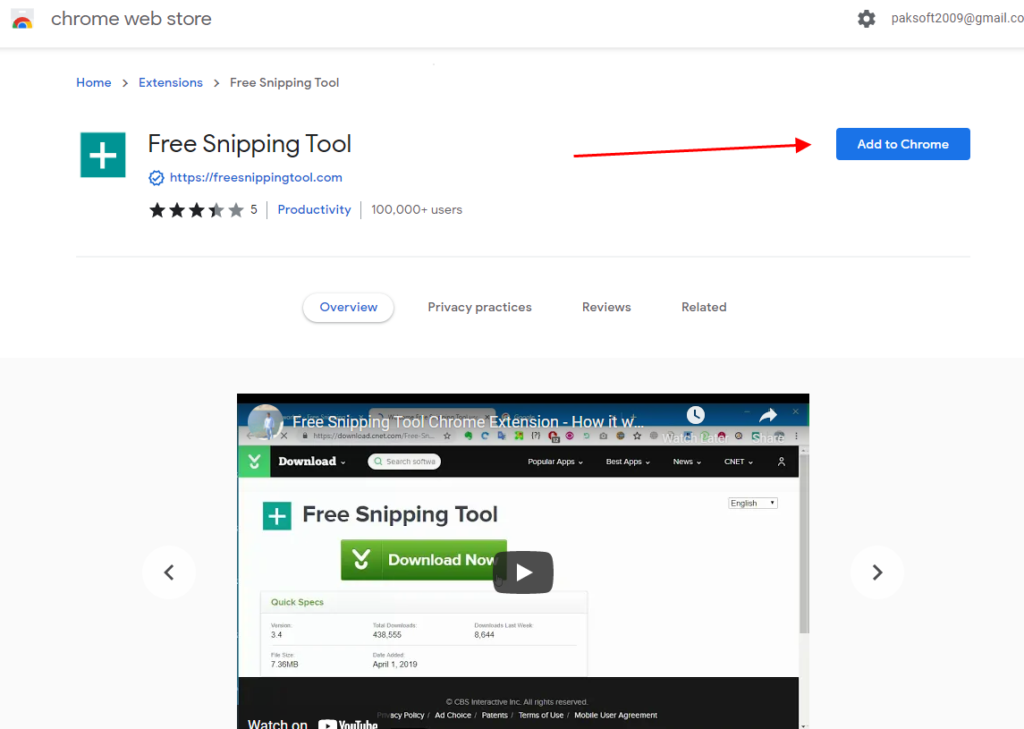
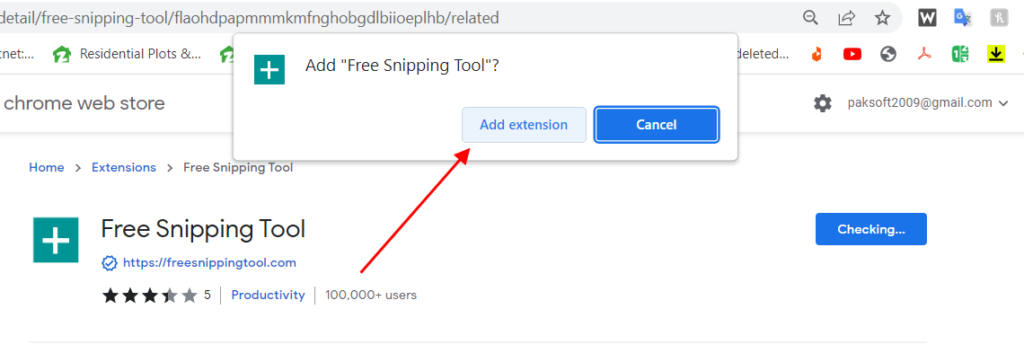
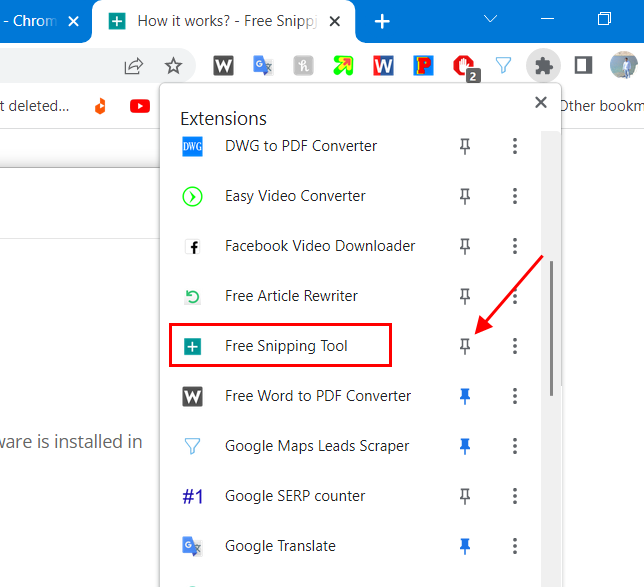
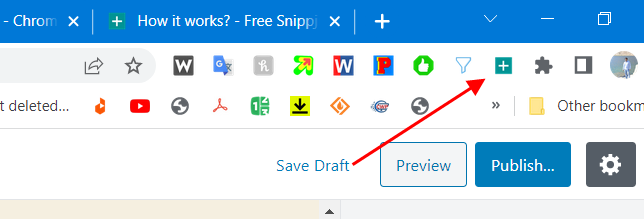
Google Chrome offers many integration features to enhance your browsing experience. Its synchronization capabilities allow you to seamlessly access your bookmarks, history, passwords, and settings across devices when signed into your Google account. Chrome’s built-in tools, such as the Omnibox for search and navigation and the integrated Google Translate, provide quick and efficient browsing. The browser also supports a vast library of extensions from the Chrome Web Store, enabling you to add functionalities like ad blockers, productivity tools, and social media integrations. Chrome’s integration with other Google services, such as Gmail, Google Drive, and Google Calendar, ensures a cohesive and streamlined online experience.